

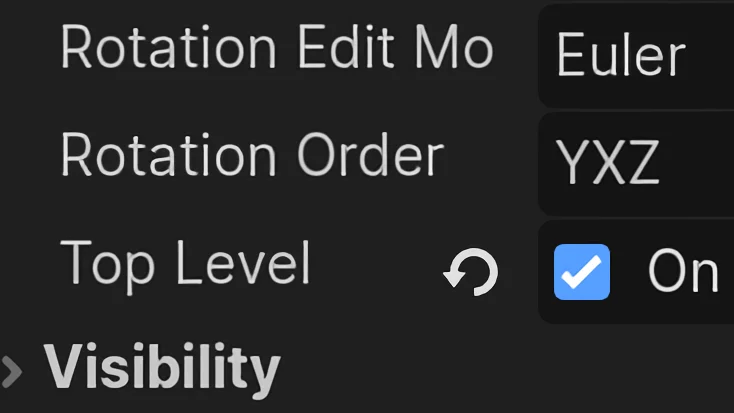
Print Node3Ds that have top_level enabled.
Type: GeneralA tiny tool script that you can attach to a Node in your scene for quickly identifying any Node3Ds that are set to Top Level. This can be useful for figuring out why something is or isn't moving with the owner node of the scene.
Setup
- Add a Node to your scene and attach the script to it.
Code
Released under CC0 1.0 licence (opens in a new tab): use, change and share it in any project, without asking and without giving credit.
GDScript
@tool
extends Node


@export_tool_button("print top level nodes") var print_nodes : Callable = func():
	print("Top Level nodes in this scene:")
	look_for_top_level(owner)


func look_for_top_level(node_to_search:Node):
	for child in node_to_search.get_children():
		look_for_top_level(child)

	if node_to_search is Node3D:
		if node_to_search.top_level:
			print(node_to_search.name)