

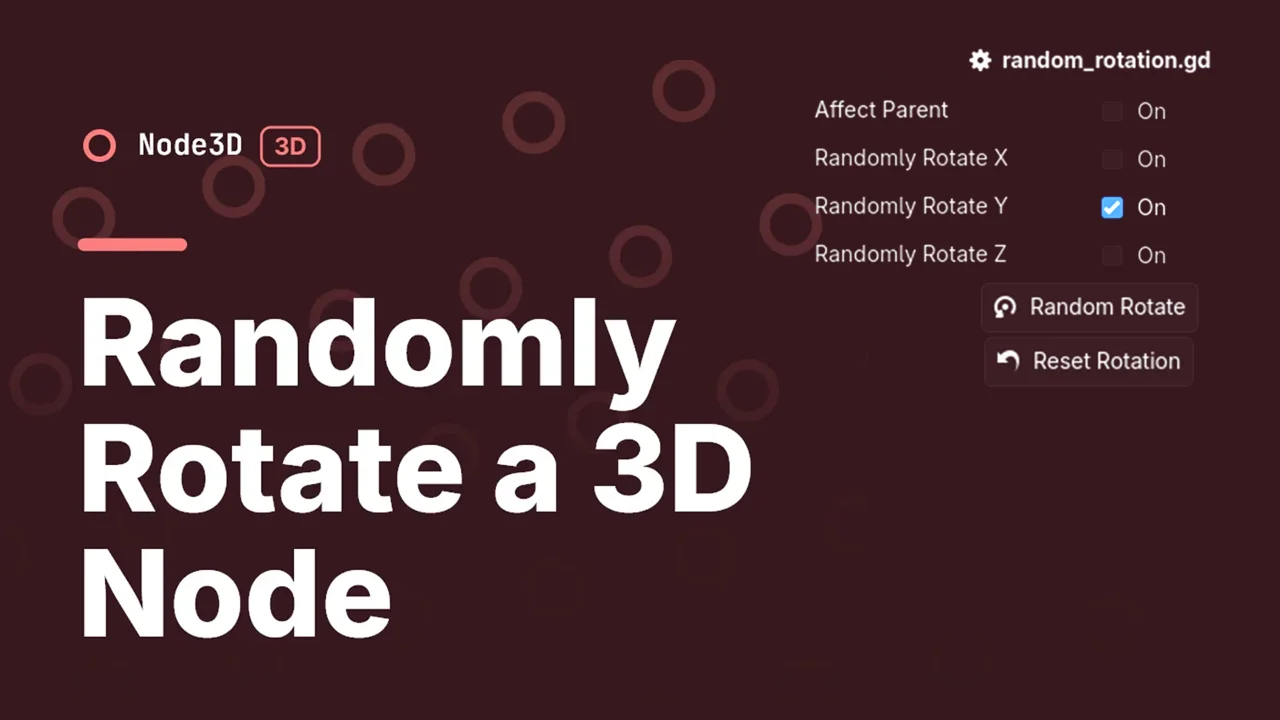
Randomly Rotate a 3D Node
Type: 3DRotate the selected axes of a Node3D (or its parent) to a random value with a single click! Originally created for detailing.
Setup
- Attach the script to a Node3D: either the node you wish to rotate or a child of that node.
- Select which axes to rotate, and whether this script should affect the parent or the current node.
- Click "Random Rotate".
Code
Released under CC0 1.0 licence (opens in a new tab): use, change and share it in any project, without asking and without giving credit.
GDScript
@tool
extends Node3D

@export var affect_parent : bool = false
@export var randomly_rotate_x : bool = false
@export var randomly_rotate_y : bool = true
@export var randomly_rotate_z : bool = false

@export_tool_button("Random Rotate", "ToolRotate") var action = random_rotate
@export_tool_button("Reset Rotation", "Reload") var reset_action = reset_rotation

func _is_parent_valid() -> bool:
	if affect_parent and get_parent() != Node3D:
		push_error("RandomRotation's parent is not a Node3D, or it does not have a parent!")
		return false

	return true

func random_rotate() -> void:
	if !_is_parent_valid():
		return

	var _object : Node3D = get_parent() if affect_parent else self
	if randomly_rotate_x:
		_object.rotation.x = deg_to_rad(randf_range(-180.0, 180.0))
	if randomly_rotate_y:
		_object.rotation.y = deg_to_rad(randf_range(-180.0, 180.0))
	if randomly_rotate_z:
		_object.rotation.z = deg_to_rad(randf_range(-180.0, 180.0))

func reset_rotation() -> void:
	if !_is_parent_valid():
		return

	var _object : Node3D = get_parent() if affect_parent else self
	_object.rotation = Vector3.ZERO